Use a clear face photo, selfie, couple shot, or profile image.
AI studio photo
Any photo → Studio quality
Turn casual photos into polished studio portraits with cleaner light, refined backgrounds, and professional framing.
Upload photoPick studio lookDownload
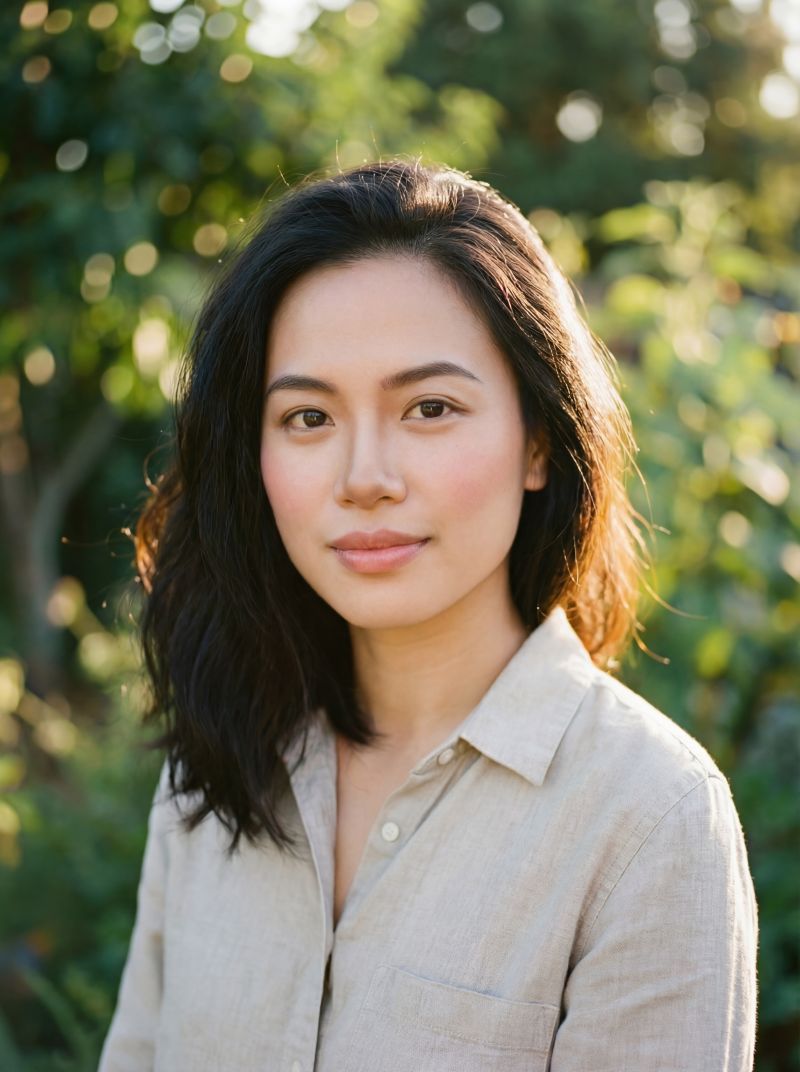
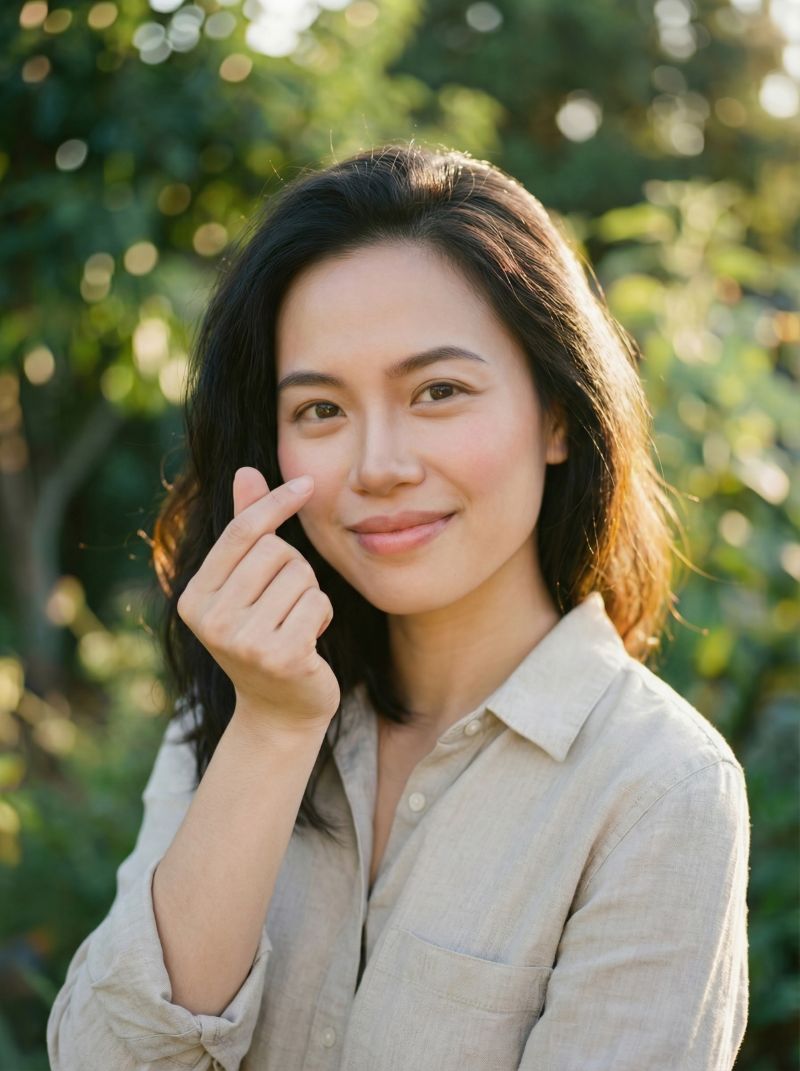
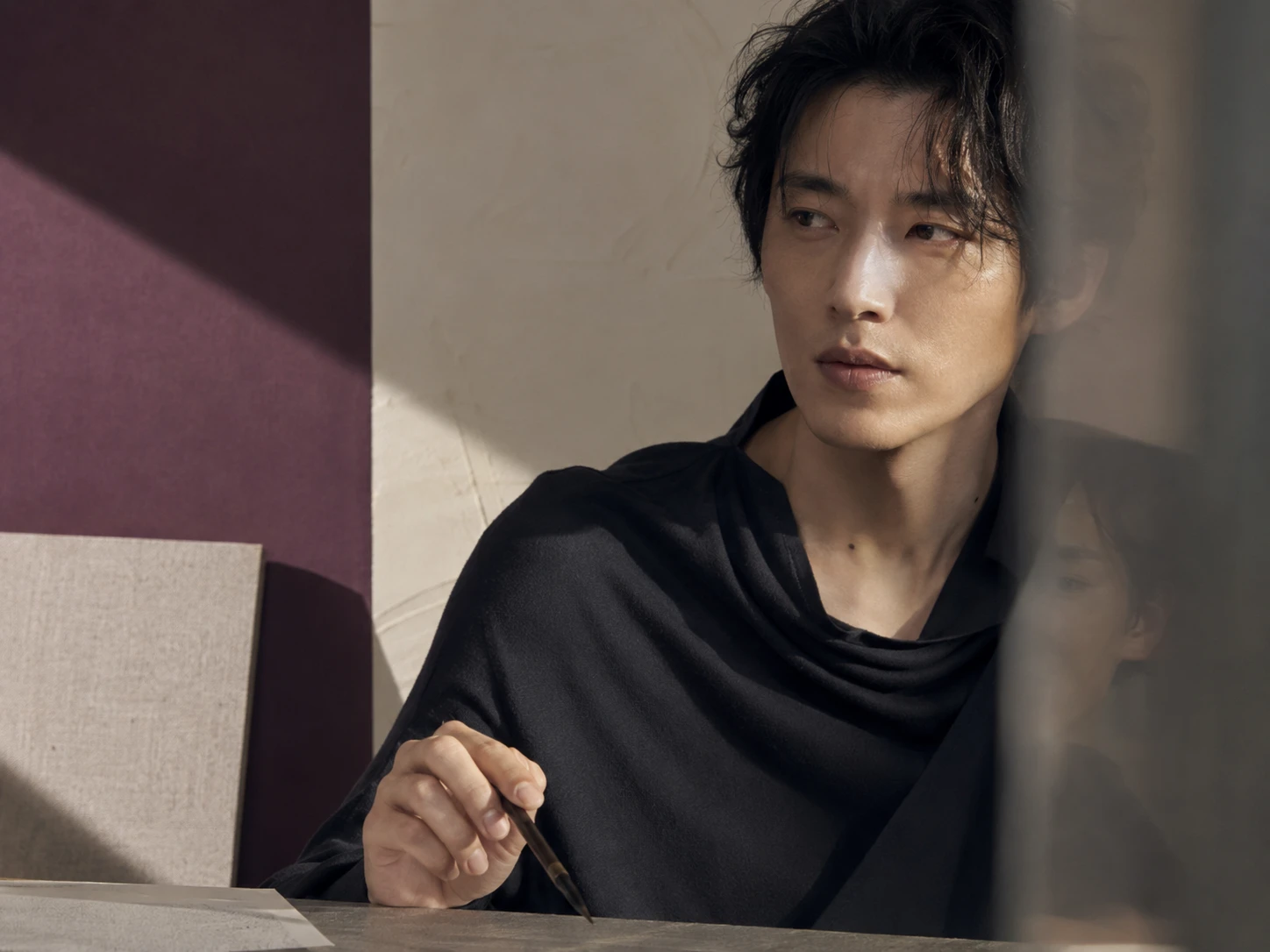
Proof
Before / after
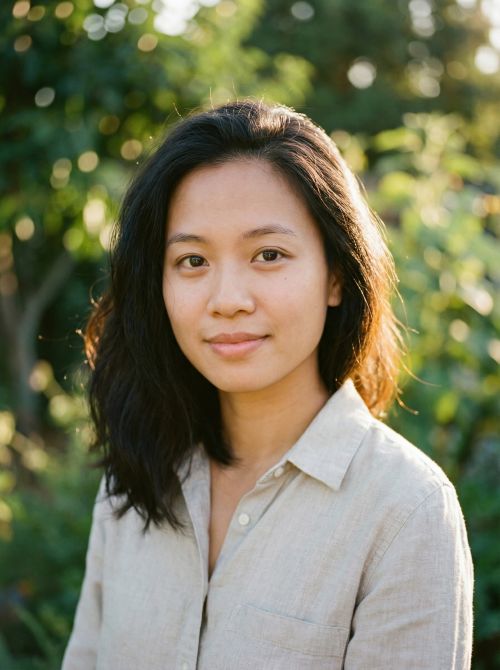 Before
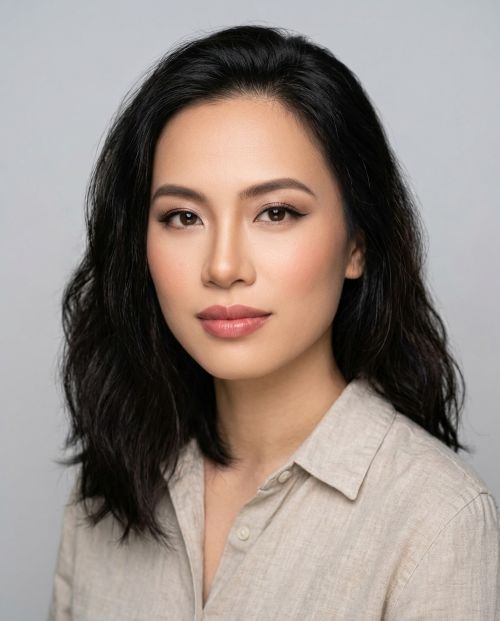 After
After Before
 After
After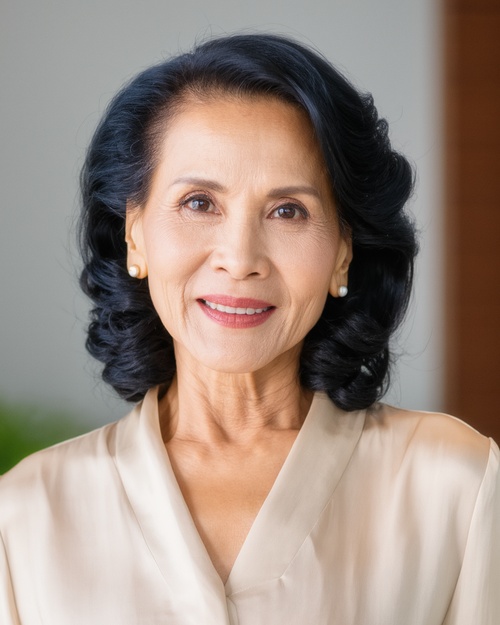 Before
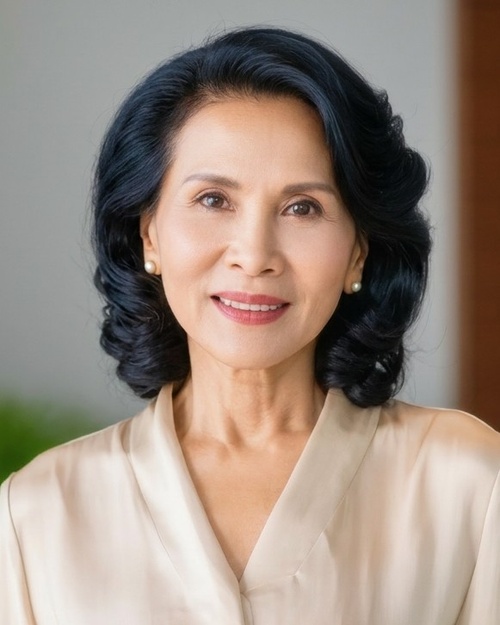 After
AfterProcess
How it works
Clean corporate, editorial, cinematic, beauty, or soft portrait lighting.
Use it for avatars, resumes, social profiles, or personal branding.
Directions
Pick a studio look
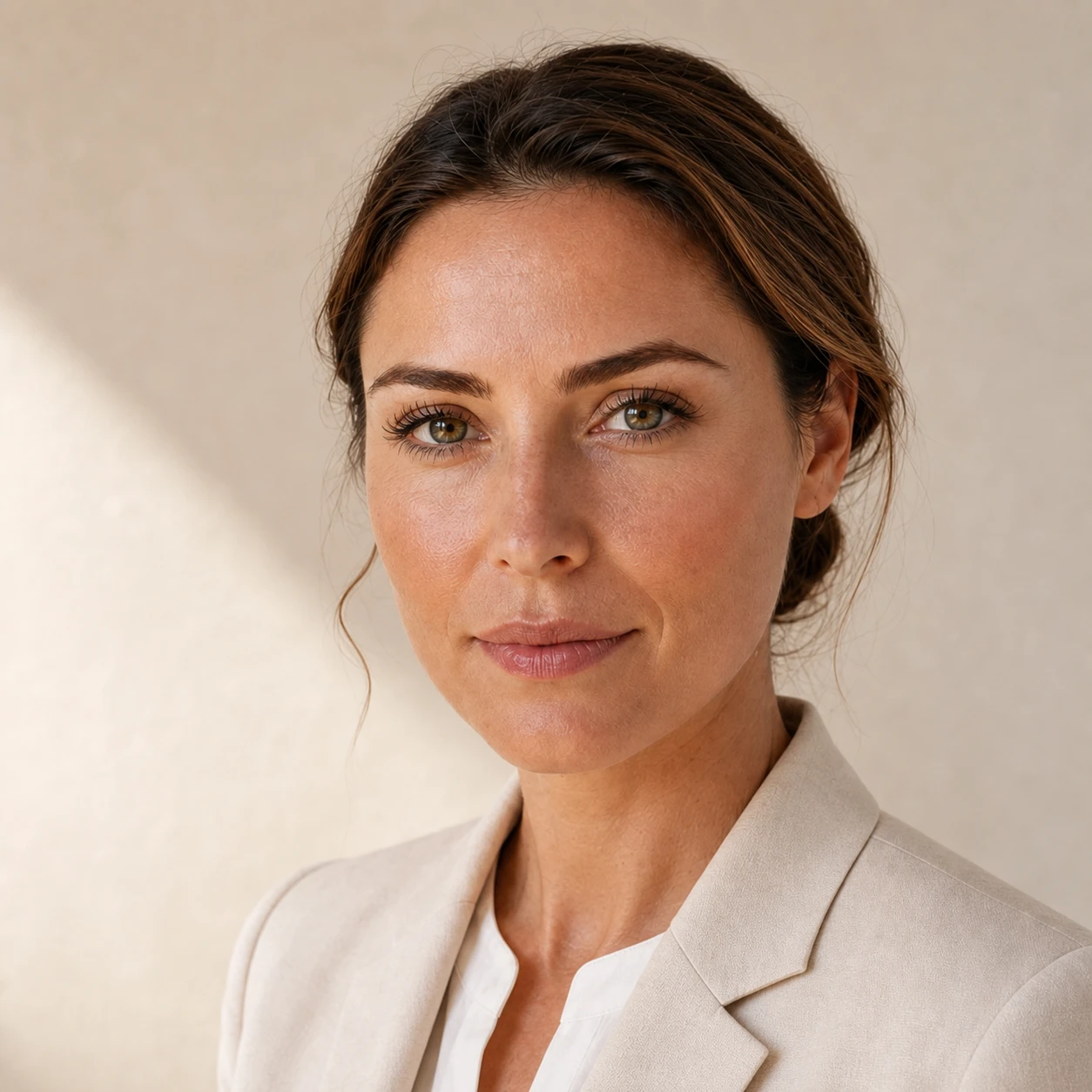 Clear Presence
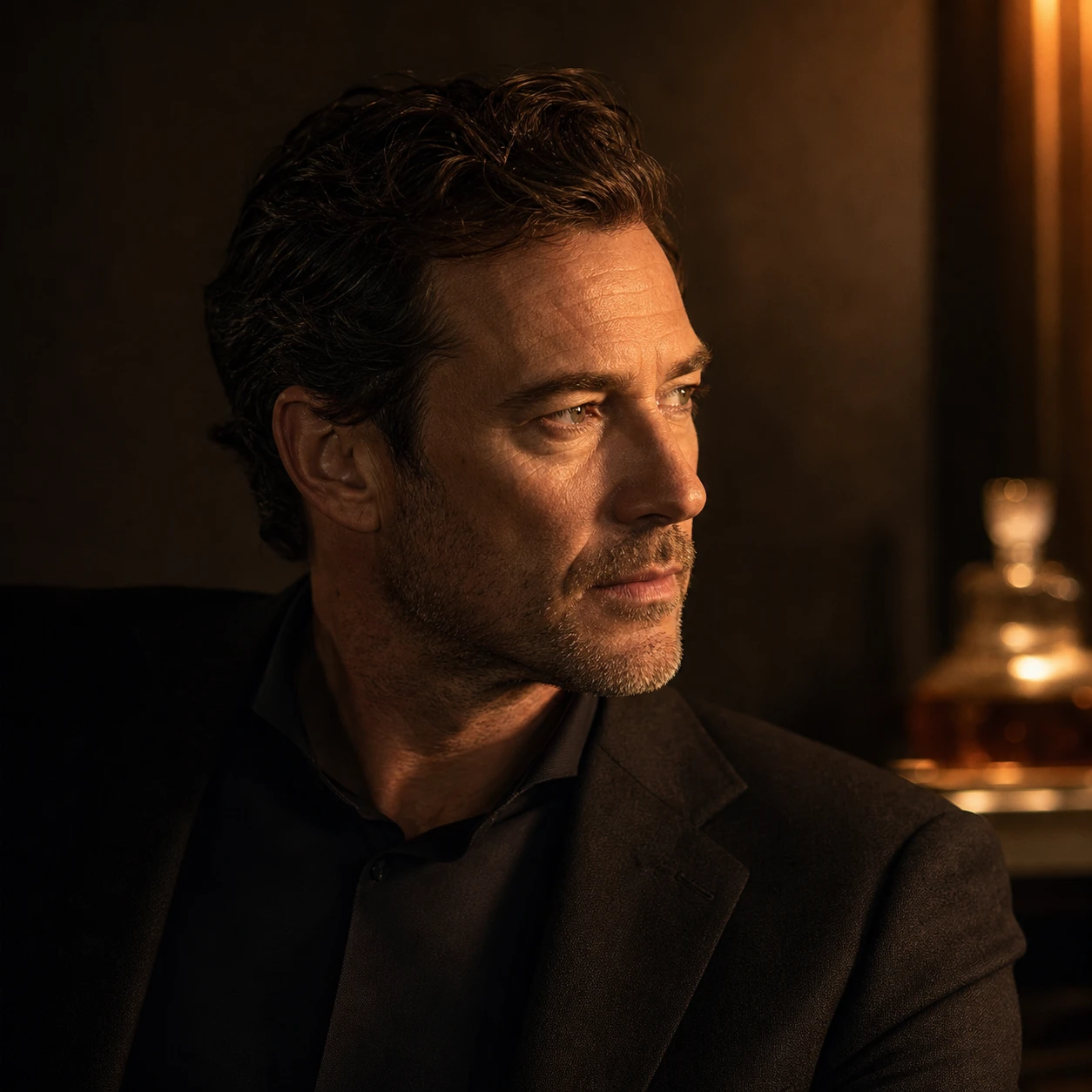 Quiet Authority
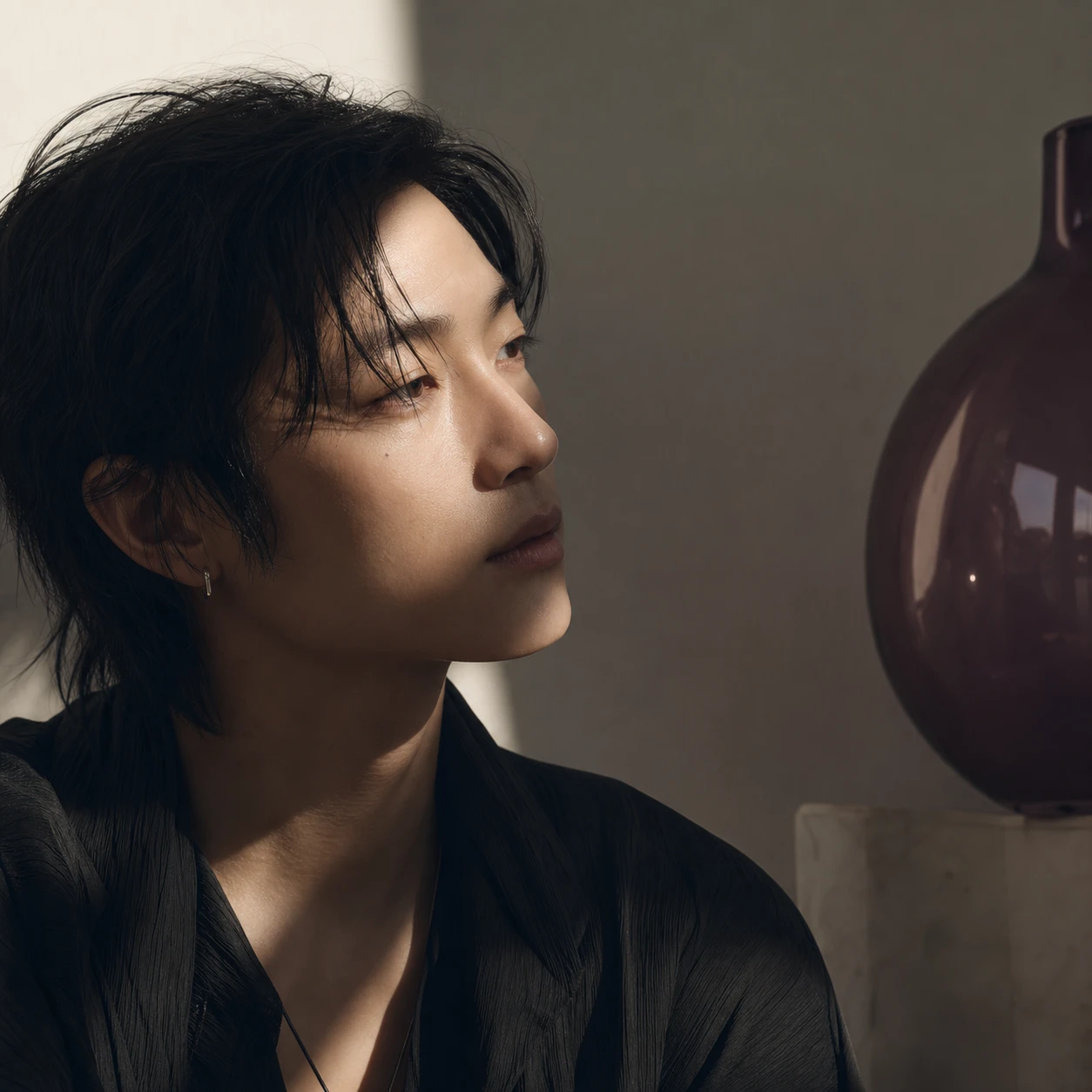 Editorial Mind
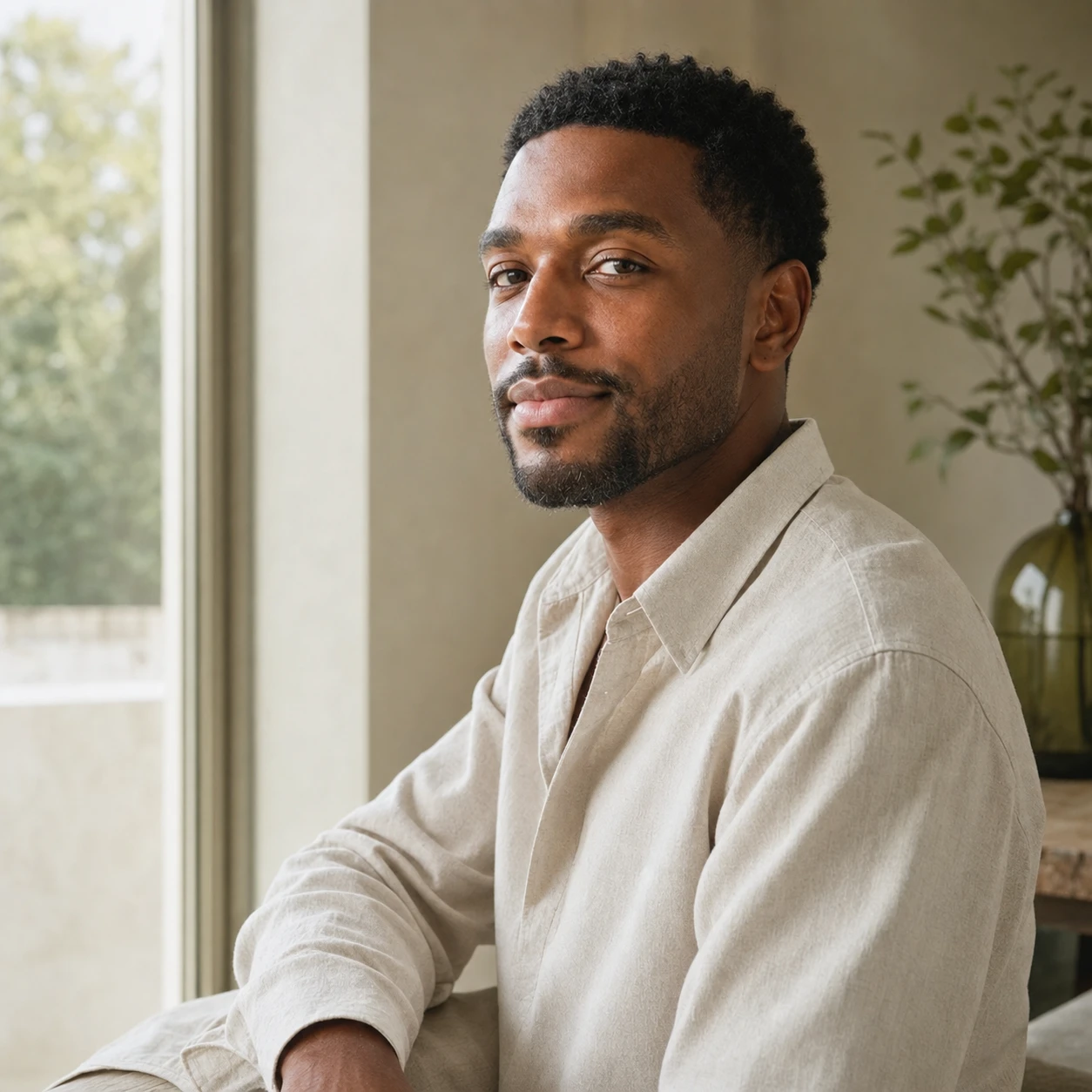 Open Confidence
FAQ
Questions
For profile photos and social visuals, yes. It creates studio-like lighting and backgrounds from a normal photo.
Yes. A sharp selfie with visible face details usually works well.
Yes. Choose professional, cinematic, beauty, editorial, or playful studio styles.
5 free edits per day, with credits available for more.